
Answer
Please note that your instructor may give you more information about joining your specific course.
If your instructor has not opted to use Sage Vantage with your Learning Management System then you will access Sage Vantage directly through the website at https://vantage.sagepub.com. Start the student registration process on the homepage.
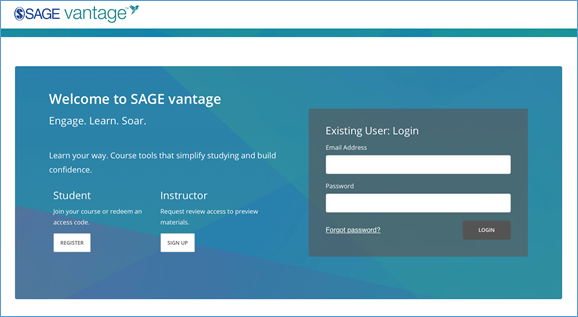
After entering your information, you will be taken to a profile page. You should select “Join a Course” if you have both access code / purchase information and also your course ID. If you do not have purchased access, you can sign up for a grace period (see: Using a Grace Period)
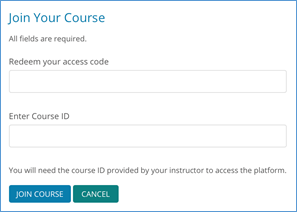
If you are not joining Sage Vantage through a learning management system, you will need a COURSE ID from your instructor. Course IDs will be a 10 digit code consisting of 6 digits (includes instructor last name) a hyphen, and 4 numbers. (e.g. JOHNSO-1234; SMITHL-6789)
This video will show a brief overview for students on how to join a Sage Vantage Course without a Learning Management System such as Blackboard or Canvas.