Answer
How do I edit my Vantage course after I create it?
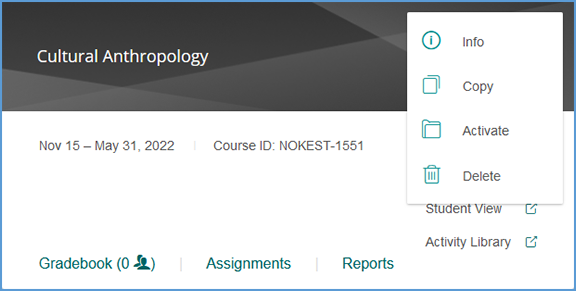
The gear icon in the top right corner of your course tile opens the Course Management Tools menu.
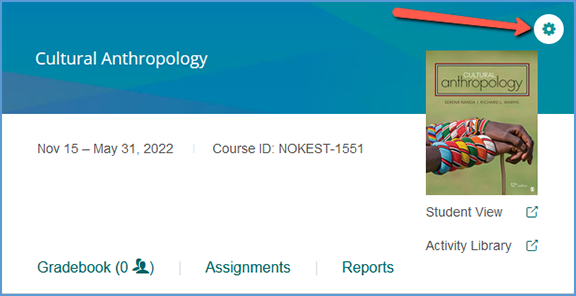
The options available on this menu vary slightly depending on if your course is paired with your LMS or if students have enrolled in your course. Similarly, sample courses have a smaller tools menu.
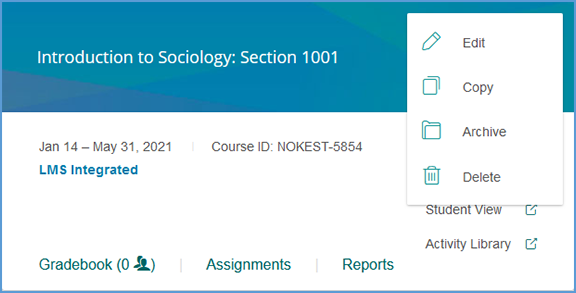
If the course is archived, the menu changes slightly. Student enrollments and LMS pairing status still apply for archived courses, so the course management tools menu will reflect that as well.
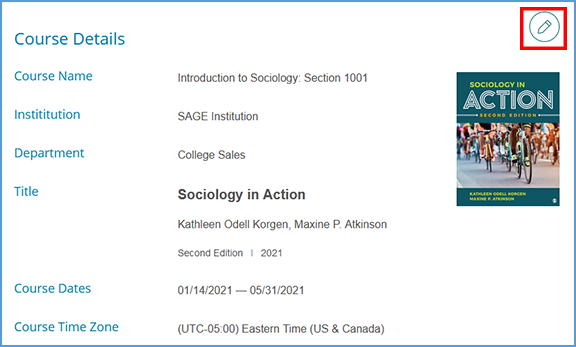
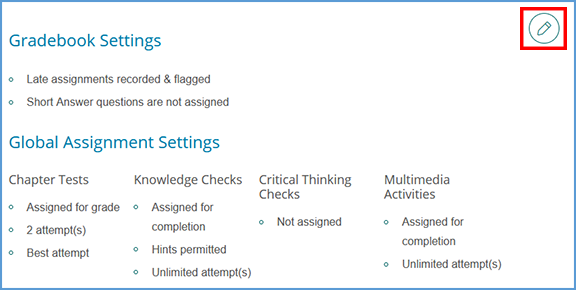
Edit allows you to revisit your Course Details, Gradebook Settings and Global Assignment Settings. You can also view or remove Teaching Assistants in your course. Once you open the Edit Course page, click the pencil icon next to a section to make changes.