Question
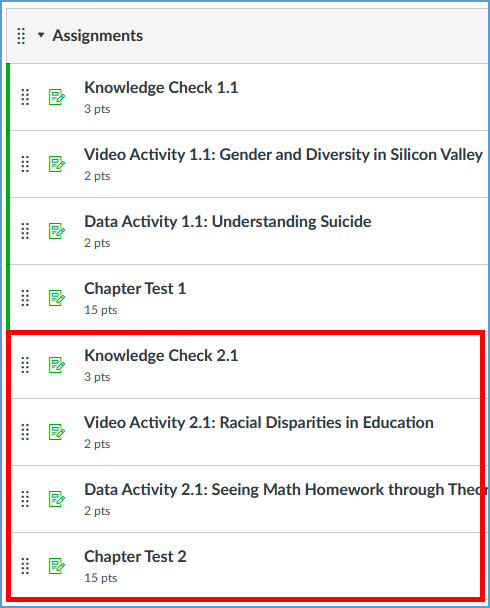
I grade synced assignments from Vantage in my Canvas course, but they do not appear in the Assignments section or Gradebook in Canvas. What happened to the assignments?
Answer
When adding Vantage assignments to your Canvas course, clicking on any Vantage link in your Canvas course creates the grade sync connection.
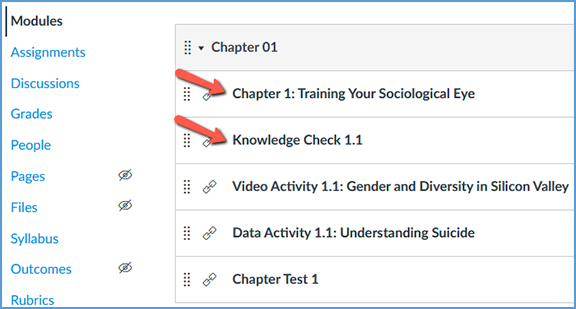
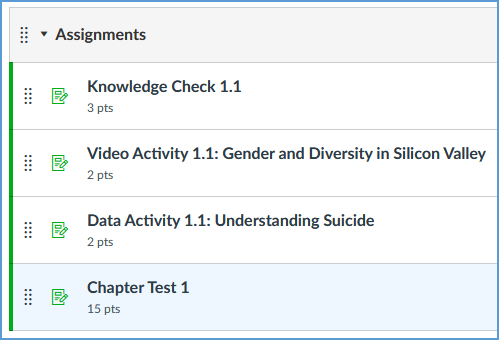
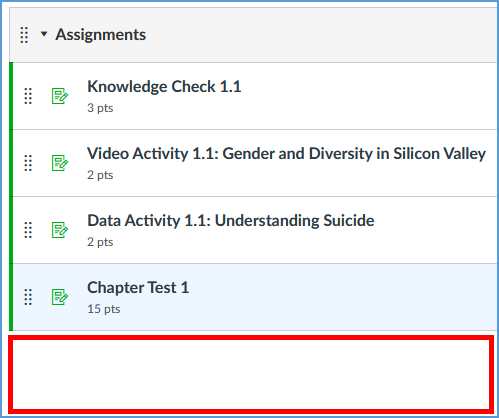
Once you click the link, you can see the assignments in Canvas on the Assignments page and in the Gradebook.

Once you have created the link between your Vantage and Canvas courses, if you add new assignments from Vantage, the new assignments do not automatically sync. These new assignments will not appear on the Assignments page or in the Gradebook.
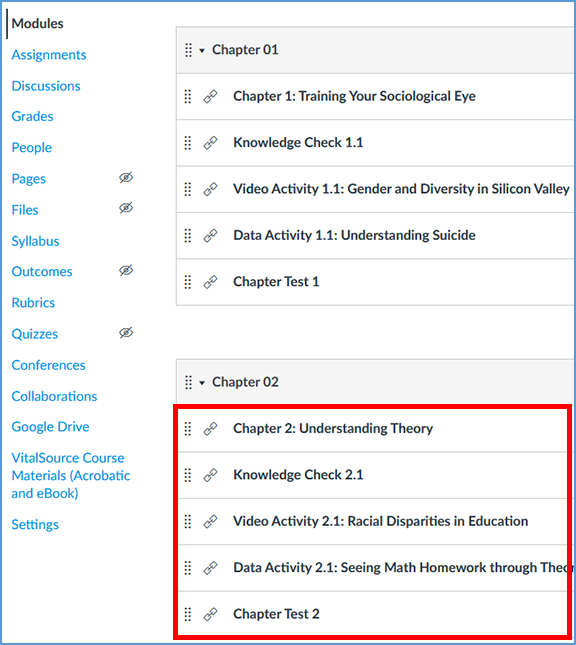

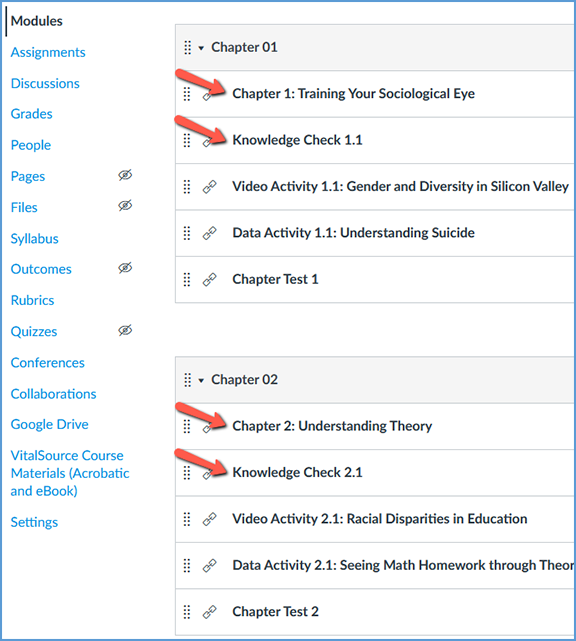
To add the new assignments, click on any Vantage link in any module. Clicking the link creates the grade sync connection for the new assignments.
You can verify the assignments were synced to Canvas by checking the Assignments section or checking the columns in your gradebook.